Choosing management software for an education center in Egypt: ten questions to ask first
Search for center management software and you find many options, all of them alike on their pages. The real difference shows after a week of daily work: at the front desk during the rush, and at the end of the month when you check who is behind on fees.
Here are ten questions to test any system with before you move your center to it, each with what ECMS Pro offers.
1. Is it built for education centers, or for any business?
An education center is not a shop: it has groups and schedules, make-up sessions, students attending with another group, and parents waiting for news. Ask: does the system know groups, sessions, teachers and grades?
In ECMS Pro you start from the group: its subject, grade, teacher and weekly schedule, and its sessions are created automatically from that schedule.
2. Does it work in Arabic as well as in English?
Ask to see the screens in Arabic, right to left, and the receipt and the messages in Arabic. ECMS Pro works in Arabic and English, and each user picks their language.
3. Does it fit the way your center gets paid?
Monthly, per session, full course or installments, with a registration fee, discounts and credit. And the payment methods parents really use: cash, Vodafone Cash and InstaPay. Then a printed receipt on a thermal printer, and “Today’s summary” to check the cash box.
4. How long does attendance take?
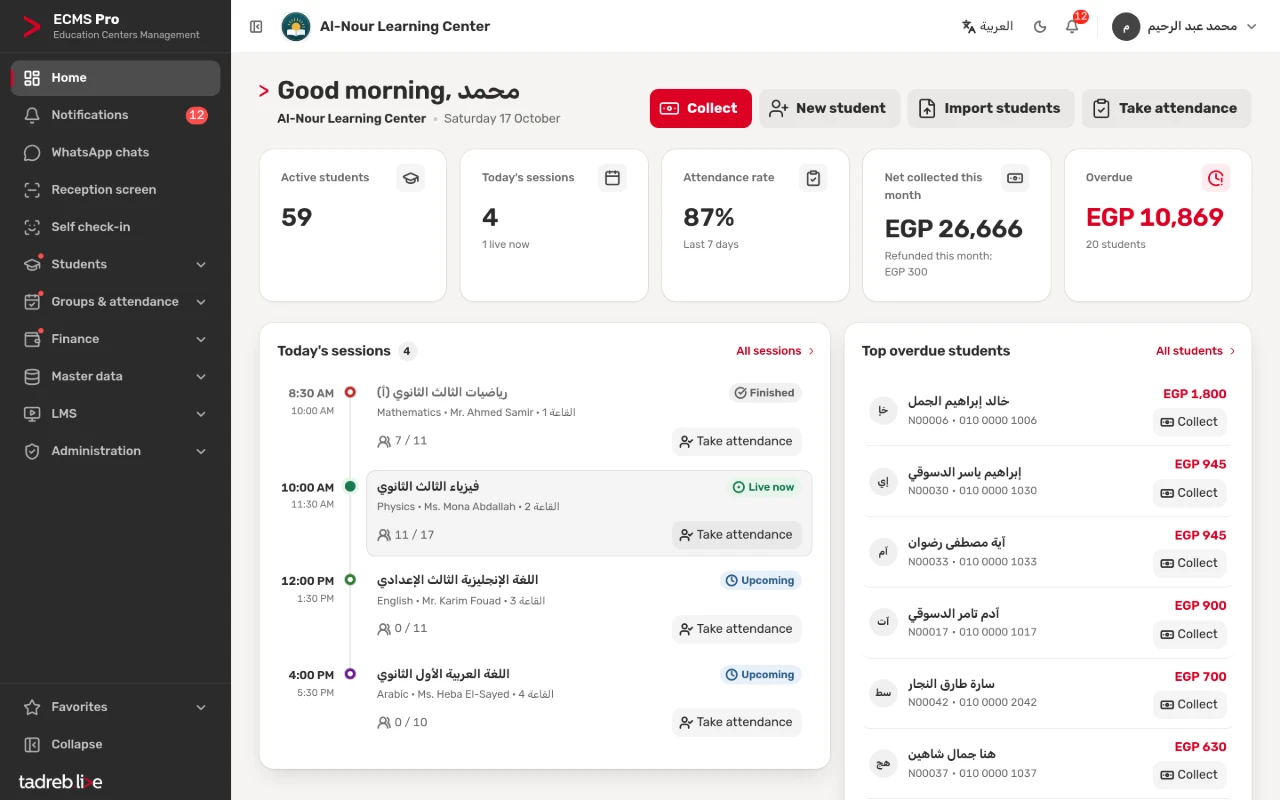
Ask to try it yourself on a group of 40 students. In ECMS Pro you take it with a QR card scan, with keys 1 to 4 on the keyboard or with “All present”, and students can check themselves in on a device at the door if you want.
5. Does it reach parents on WhatsApp?
In Egypt, parents read WhatsApp before anything else. Ask: are the absence and marks messages prepared automatically? Which number do they come from? In ECMS Pro they go in one tap from any device, straight from the center’s number once it is connected to WhatsApp Business, and automatically if you want. WhatsApp Business is included in the plan, with no extra message fees from ECMS Pro.
6. Who sees the money?
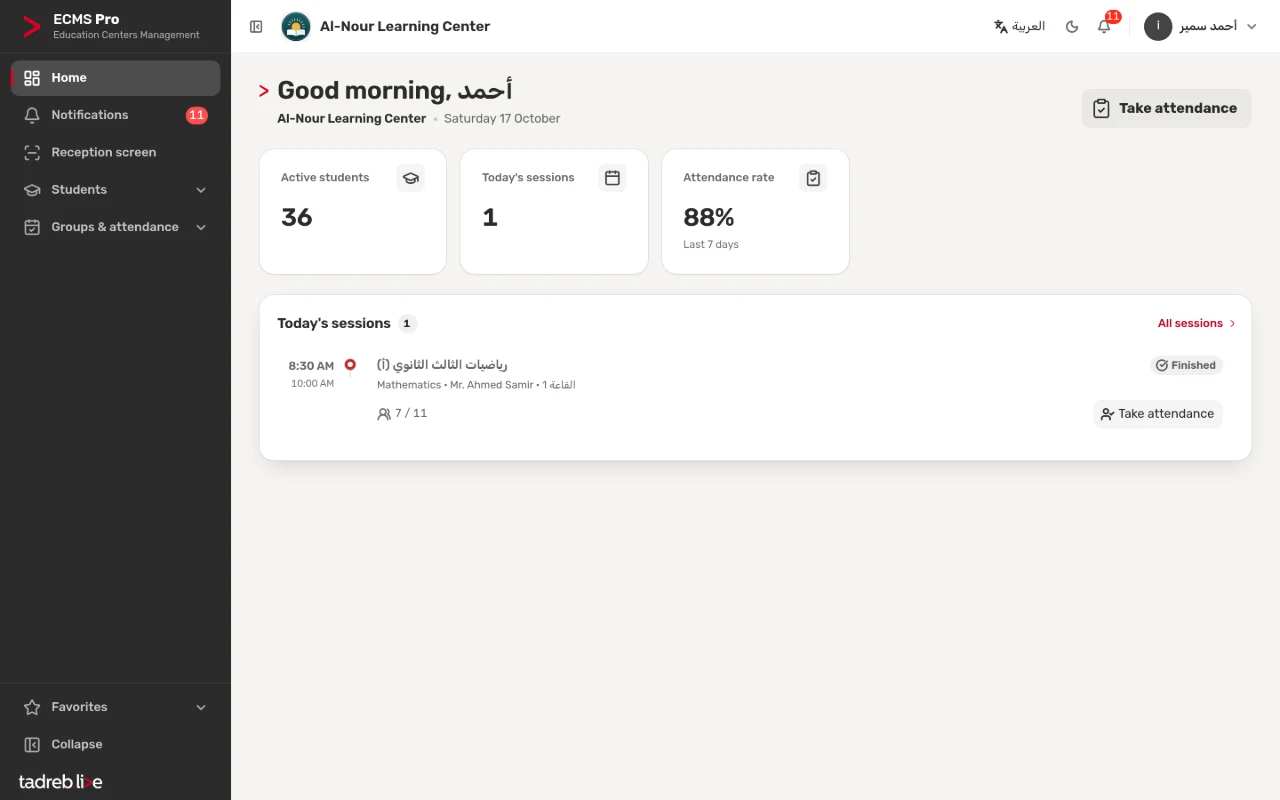
Teachers need their groups, attendance and marks, not the students’ dues. Ask: can you decide what each user sees? In ECMS Pro every user has a role, and a teacher never sees an amount on any screen.
7. Can you move your data in, and take it out?
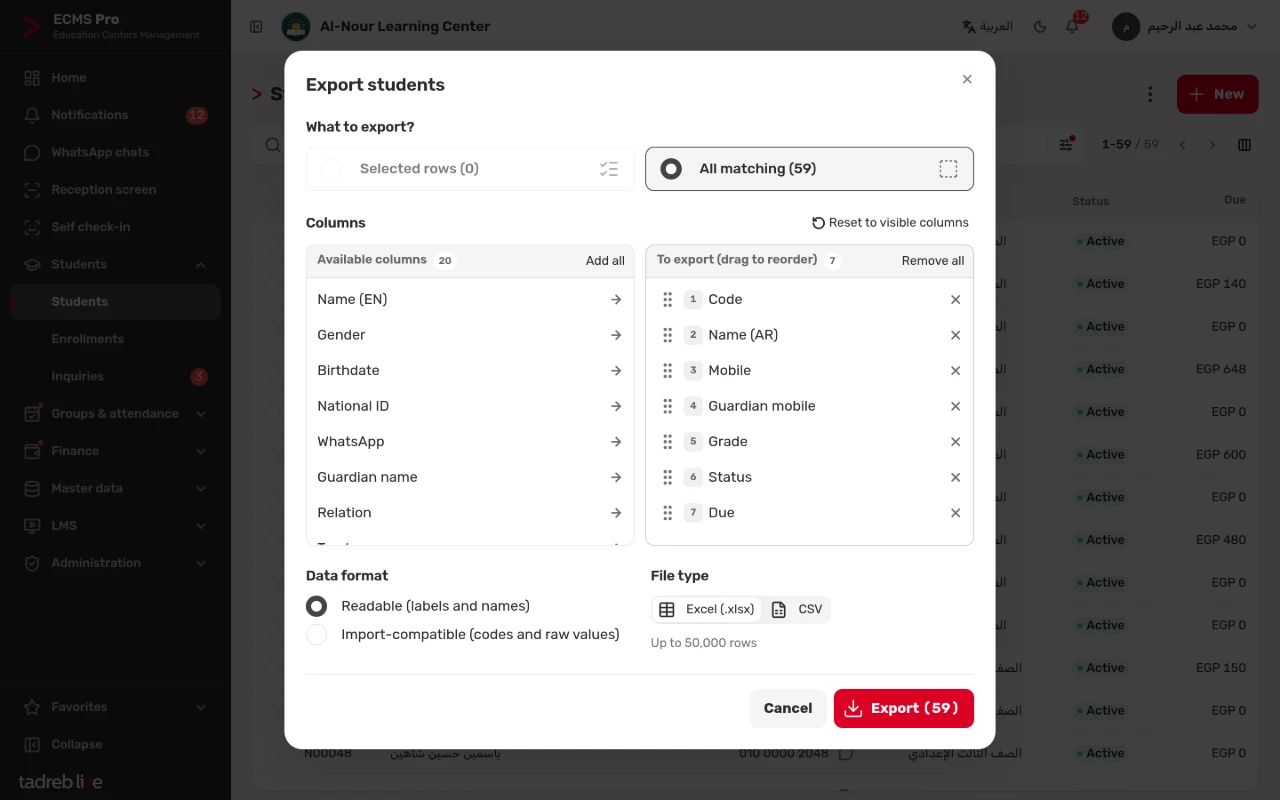
Do not start from zero: import your students from an Excel file and review the errors before saving. And do not lock your data in: export your lists to Excel with the columns you choose, at any time.
8. Does it work on a phone without installing anything?
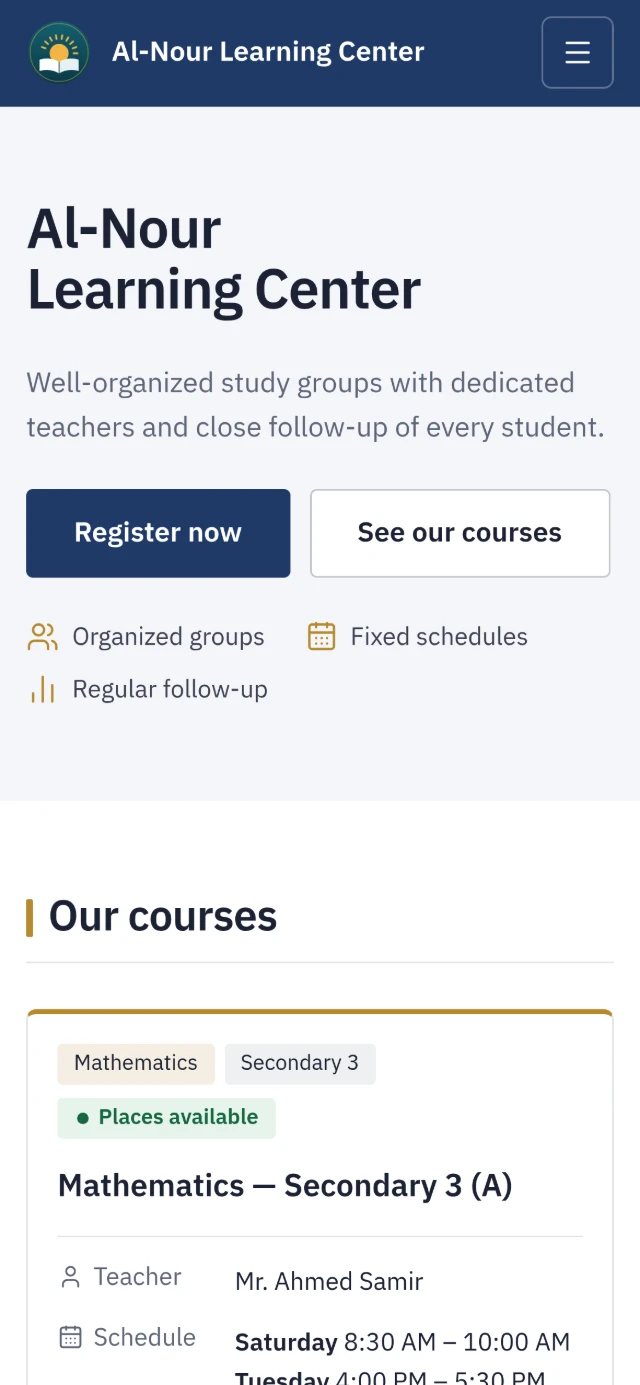
ECMS Pro runs in the browser on a computer or a phone, so teachers take attendance from their phones, and owners follow their day from anywhere. Every center is backed up daily.
9. What is the real cost?
Ask for the full price: is there a setup fee? Paid add-ons for each feature? A fee for each message? ECMS Pro has one plan with every feature, and the prices are published on the pricing page, including VAT. Messages from your center’s number are billed to you by Meta directly, at its own prices.
10. Can you try it before paying?
Do not decide from a presentation. Try the system at your center with your students and groups. With ECMS Pro your center is created the moment you sign up, and you try it for 14 days with every feature and no payment details. Draft pages for your center’s website are created from its data too, and nothing is published before you review it.
Before you decide
Write down the three problems that bother you most today, and test every system on exactly those: a rush day at the front desk, a large session register and the absence messages at the end of the day. If you want us to show you ECMS Pro on your center’s problems, book a demo, or start your free trial now.